On this page
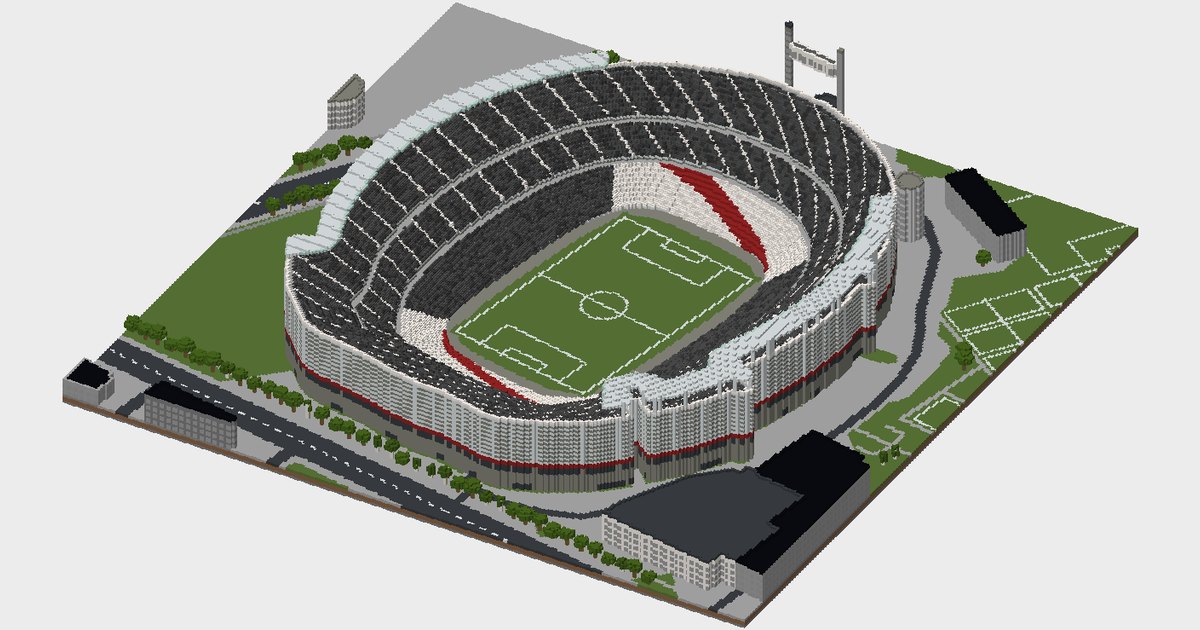
Blocktown, our plugin for Paper and Spigot servers, builds real places from OpenStreetMap into a Minecraft world. Most of a city comes straight from the map, and famous places get a model of their own. The newest is El Monumental, River Plate's stadium in Buenos Aires: a build that reaches it builds the whole stadium, with its shape, its size and its colours.
El Monumental: the photo and the blocks #
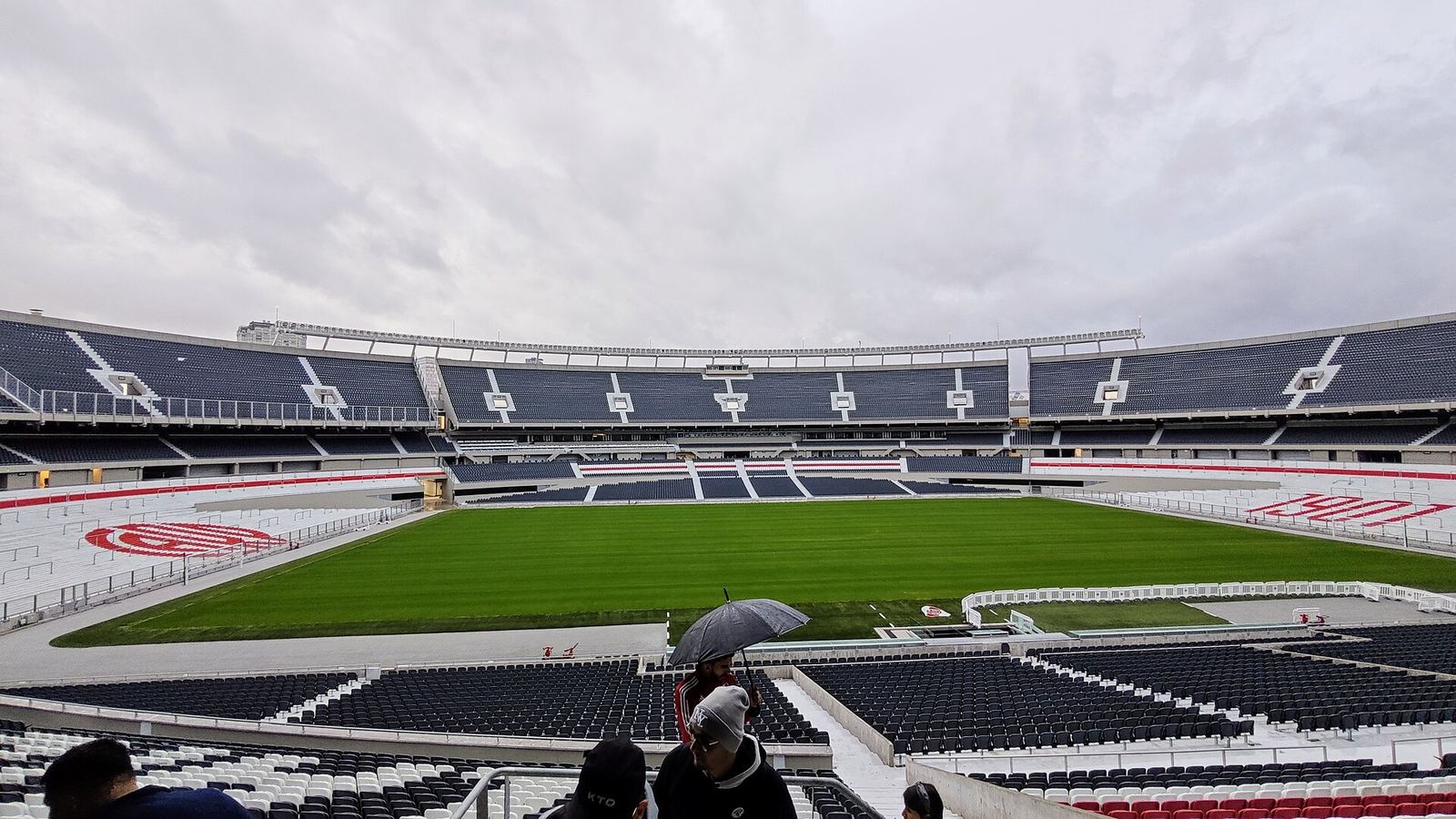
We built it from its outline on OpenStreetMap, its pitch and photos like this one, taken from the lower stand on a grey day in May 2024:
Here is the same view in Blocktown's blocks, drawn from the build with Minecraft's own textures:
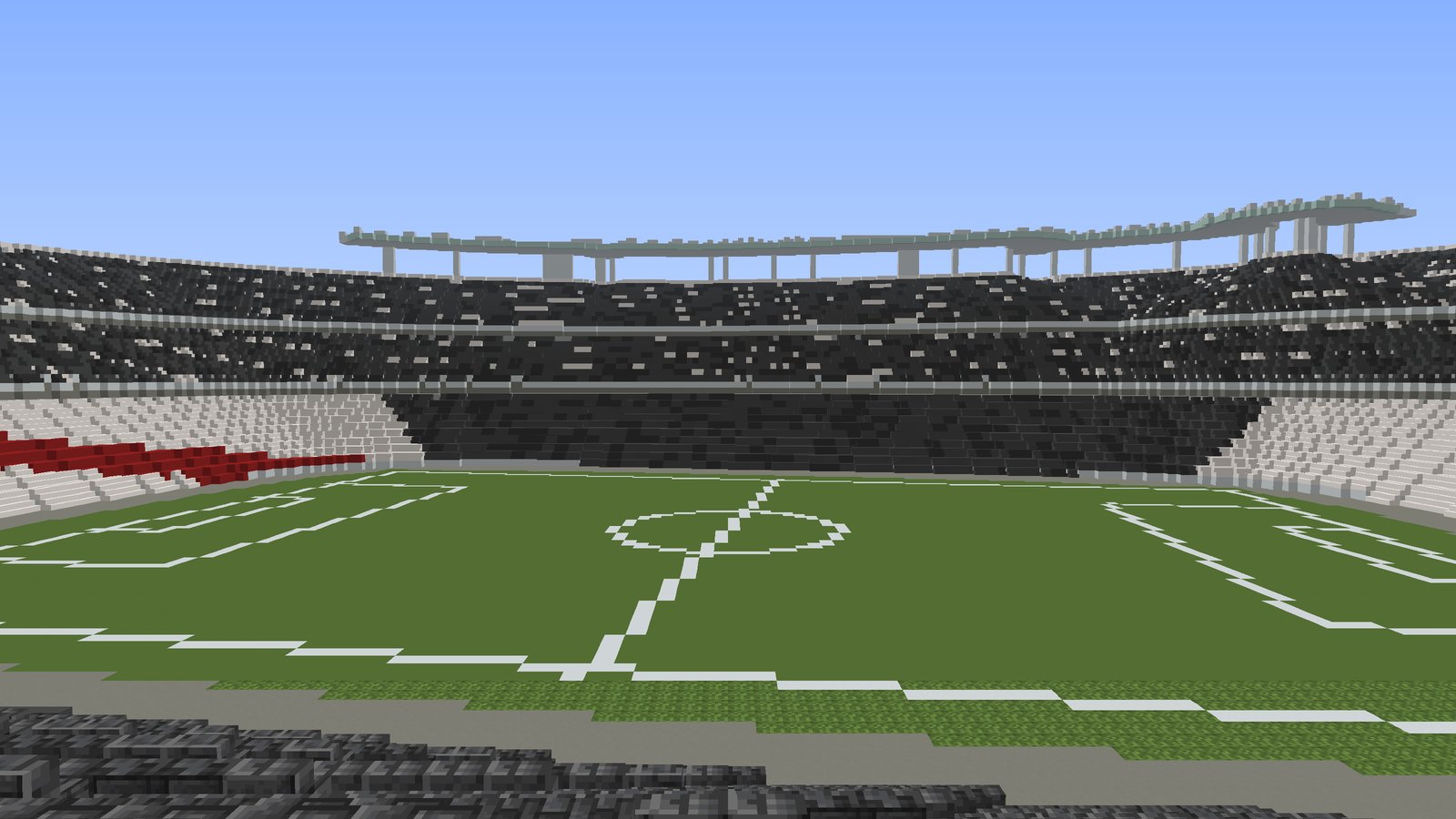
What the photos gave the build:
- Dark grey seats in all three tiers, made of stairs that face the pitch.
- White seats with a red band behind both goals.
- White aisles cutting through the upper tiers.
- Tier fronts in red and white.
- The canopy over both long sides, with lights along its edge.
- An outer wall with roller doors, a red band and white ribs.
The club plans to turn the upper tier red and white all the way round over the next three years; the blocks follow the stadium as it is today. The original photo is on Wikimedia Commons, in the public domain (CC0).
How Blocktown made it #
No free 3D model of El Monumental exists, so our stadium maker drew it. The stands rise from the edge of the pitch to the outline OpenStreetMap has for the stadium, in three tiers, and the photos set the colours of each part. It stands 242 by 264 blocks, and its rim is 33 blocks above the street, as tall as the real one in metres. It stands where the map has it, with the streets around it.
Build it on your server #
Open El Monumental in Google Maps on a computer and copy the link from the address bar. Then stand where you want the stadium and paste the link after the command, with a size:
/blocktown build https://www.google.com/maps/place/Estadio+Mas+Monumental/@-34.5453367,-58.4497305,17z 300
/blocktown rotate 90
/blocktown move east 4
/blocktown confirm
On a phone, share a dropped pin (press and hold the spot) rather than the place, and paste that link. An outline shows where the build will go, and nothing changes until you confirm. Before that you can turn it with rotate and shift it a block at a time with move (north, south, east, west, up or down). You have 5 minutes to confirm after the last of those commands. /blocktown undo puts everything back.
A whole stadium needs Pro, which builds up to 1024 blocks a side; Free builds squares of up to 64, enough for the Obelisco. Add x2 to build at two blocks a metre: the stadium grows with the rest. Every command is on the commands page.
What comes next #
We keep a list of 250 places to add, 50 of them in Argentina: stadiums, statues, palaces and towers. New monuments reach servers from our monument library without a new version of the plugin (monuments: true in config.yml, the default). The FAQ has the rest.